Microsoft Surface Laptop 7 review: check your apps before you buy
A polished Windows laptop with a practical screen format. Software and peripheral compatibility deserve a place on your checklist.
Review approach: an original analysis of manufacturer documentation. We have not conducted hands-on testing of this product.
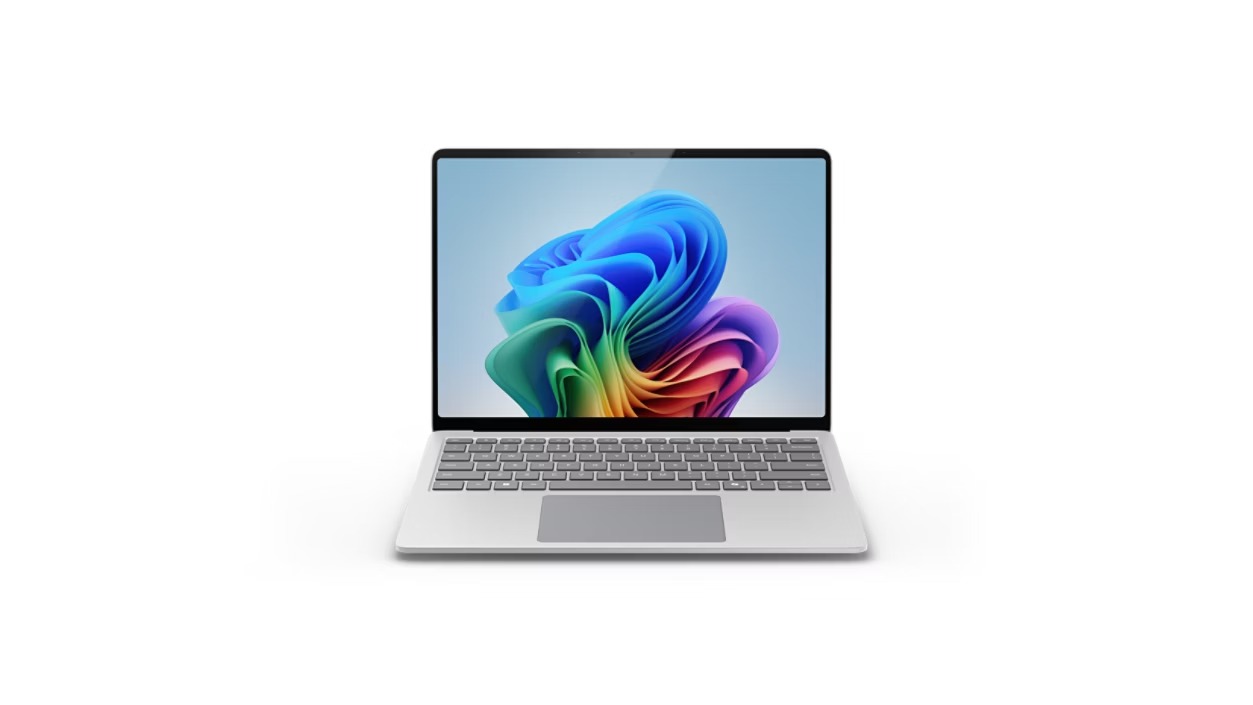
The Snapdragon version of Surface Laptop 7th Edition offers a different Windows buying decision from an ordinary specification comparison. Its physical design is only half the story: the software and peripherals you depend on must fit the platform too. We examine documented features and purchase considerations; this is not a hands-on performance or battery test.
Make a list of essential software
Before choosing a Windows-on-Arm laptop, list the applications you cannot replace, including specialist tools, plug-ins, games and any workplace security software. Check the developer's current compatibility guidance for each one. An app opening successfully is not the same as every plug-in, feature or driver working as expected. If your employer manages the device, ask its IT team before buying. The right laptop should fit your working environment rather than requiring you to redesign the whole workflow around a purchase.
A screen format with practical implications
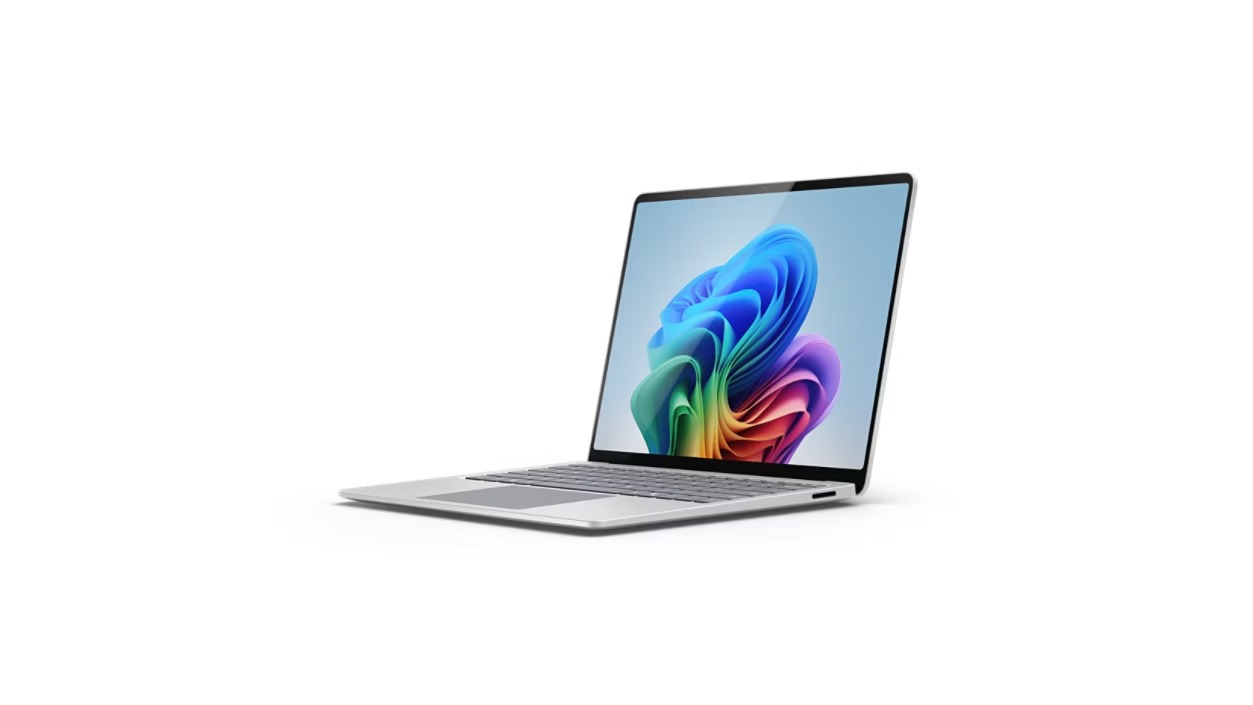
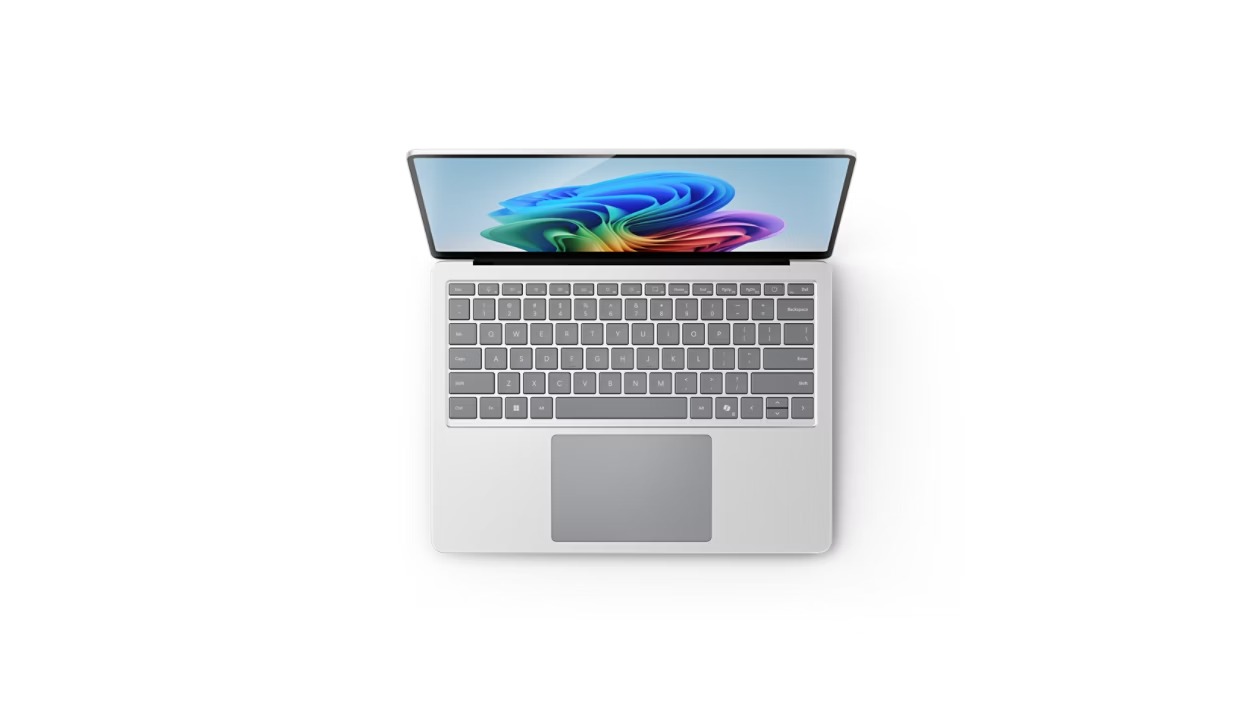
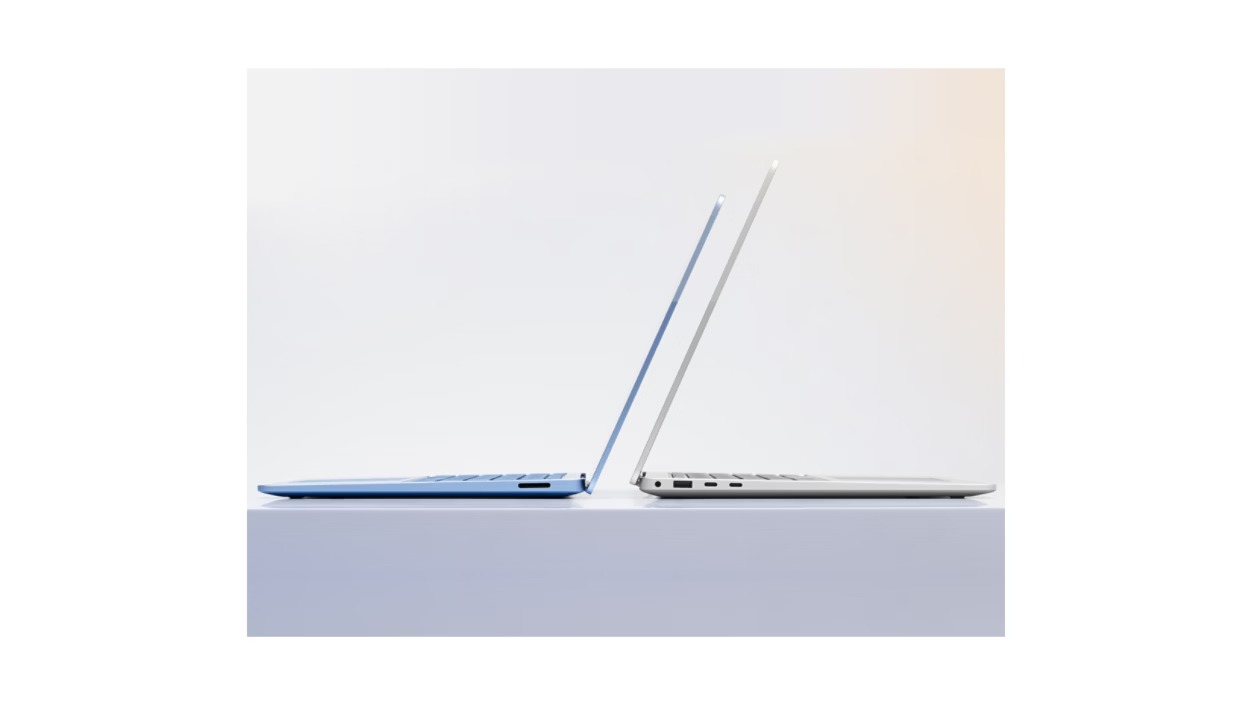
Microsoft offers this generation in 13.8-inch and 15-inch versions. Consider the physical size against the tasks you actually do and the bag you carry. Reading documents and working across several windows can benefit from space, while commuting may put a higher value on compactness. Try the keyboard and touchpad in person when possible. Photos show the layout and finish but cannot tell you how the keys feel or whether the screen reflections suit your usual seat beside a window.
Ports and peripherals are part of the platform
The documented design includes USB-A, USB-C / USB4 and a headphone connection. List what you will attach, including displays, printers, audio interfaces and storage. Confirm driver support for the exact model of each peripheral, not just the connector shape. A device can have the right port and still need software that is unavailable for the platform. Include adapters and a suitable dock in the price comparison if they are essential to your desk, and check the dock maker's own support guidance.
Compare a specific model and seller
Surface naming spans several generations and processor families. This article concerns the Snapdragon seventh-generation model, not every laptop with a Surface badge. Confirm screen size, processor, memory and storage on the actual offer. For refurbished stock, inspect the warranty, condition grading, battery policy and return window. Manufacturer endurance claims depend on test conditions, and we have not reproduced them. The best offer is the one that meets your applications and support needs at a sensible total price.
Pros
- Choice of two screen sizes in this generation
- Useful mix of USB-A and USB-C connections
- Touch-enabled design for everyday Windows work
Cons
- Specialist apps and device drivers need careful checks
- Similar product names can conceal different configurations
- Refurbished offers require condition and warranty scrutiny
Who should buy it?
Windows users with a confirmed compatible app list who value a well-integrated portable laptop for study, writing and office work.
The conclusion
Put compatibility ahead of the specification headline. If your software and devices check out, the Surface Laptop 7 is worth comparing on screen size, configuration and the terms of the actual offer.
Sources and image credits
Manufacturer documentation for Microsoft Surface Laptop 7th Edition (Snapdragon)
Microsoft official product imagery. Images illustrate this model and may show different finishes or configurations. Manufacturer claims have not been independently measured by Aurora Lora.