MacBook Pro 14-inch (M5) review: pro power, refined
The display, design and configuration choices that matter for a focused macOS workflow.
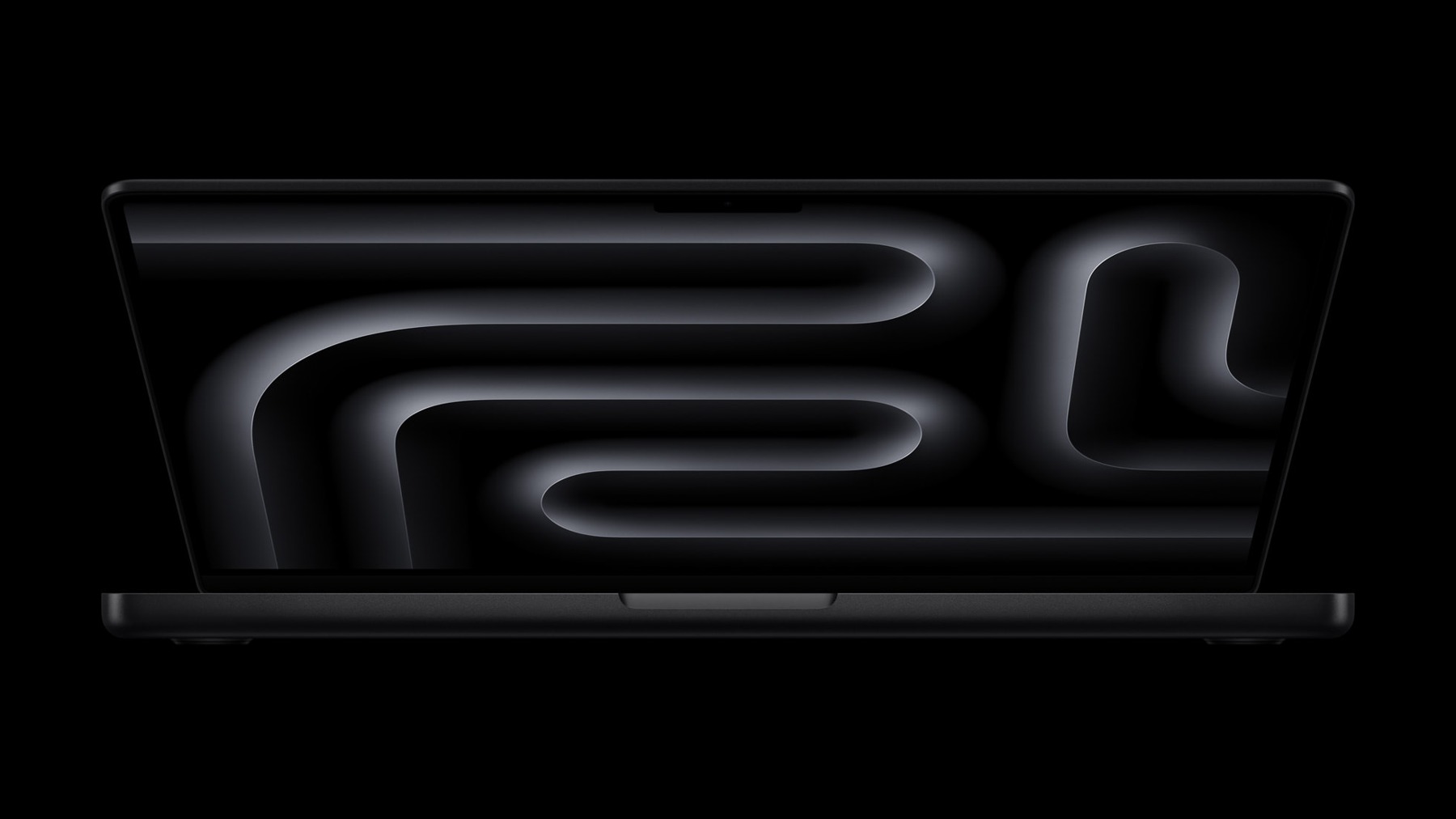
Review approach: an original analysis of manufacturer documentation. We have not conducted hands-on testing of this product.
The 14-inch M5 MacBook Pro is the 2025 model, not a claim about Apple's newest laptop. Its appeal is the combination of a compact workstation format, Apple's software ecosystem and an integrated display. This assessment uses Apple's launch materials to explain the buying decisions. We have not independently measured rendering speed, screen accuracy or battery endurance.
Choose the workload before the chip
Begin with the applications that earn their place in your day. Writing, browser work and occasional photo edits do not create the same demands as a large video timeline or a sustained software build. A more expensive computer does not automatically make light work feel meaningfully better. Check the requirements of your essential tools, plug-ins and external devices. If an existing laptop already meets them, a new model needs to solve a concrete problem: insufficient memory, an unsuitable screen or a bottleneck you can actually identify.
A display belongs in the buying calculation
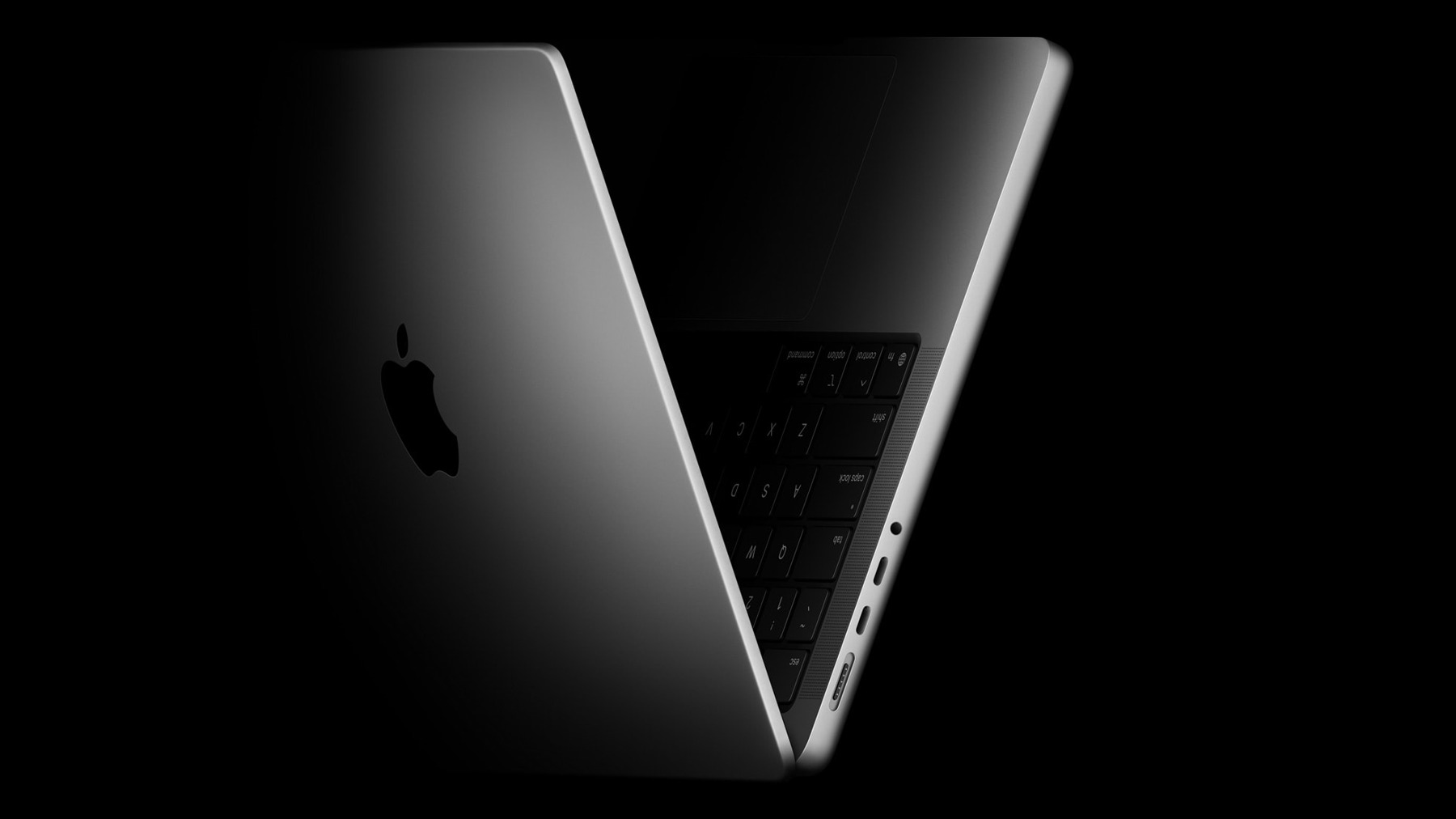
Apple describes a Liquid Retina XDR display for this model. The practical value depends on your work and viewing conditions. A creator should check application support, output requirements and how the panel behaves in their own environment; a student might prioritize portability and legibility instead. Manufacturer photography illustrates the product, but does not establish colour accuracy or brightness in your room. If you normally work on a large external monitor, remember that the built-in screen may contribute less to the purchase than it does for someone who travels.

Buy the configuration you actually need
Memory and storage choices deserve attention before checkout. Estimate the size of active projects, allow room for local files and consider the applications that stay open together. External storage is useful, but it introduces a cable and backup routine. Verify the specifications on the actual listing, particularly for refurbished or discounted stock. The model name alone does not tell you the memory, storage, keyboard layout or included power adapter. A cheaper listing can be poor value if it compromises the work you intended the machine to do.
Think beyond launch-day comparisons
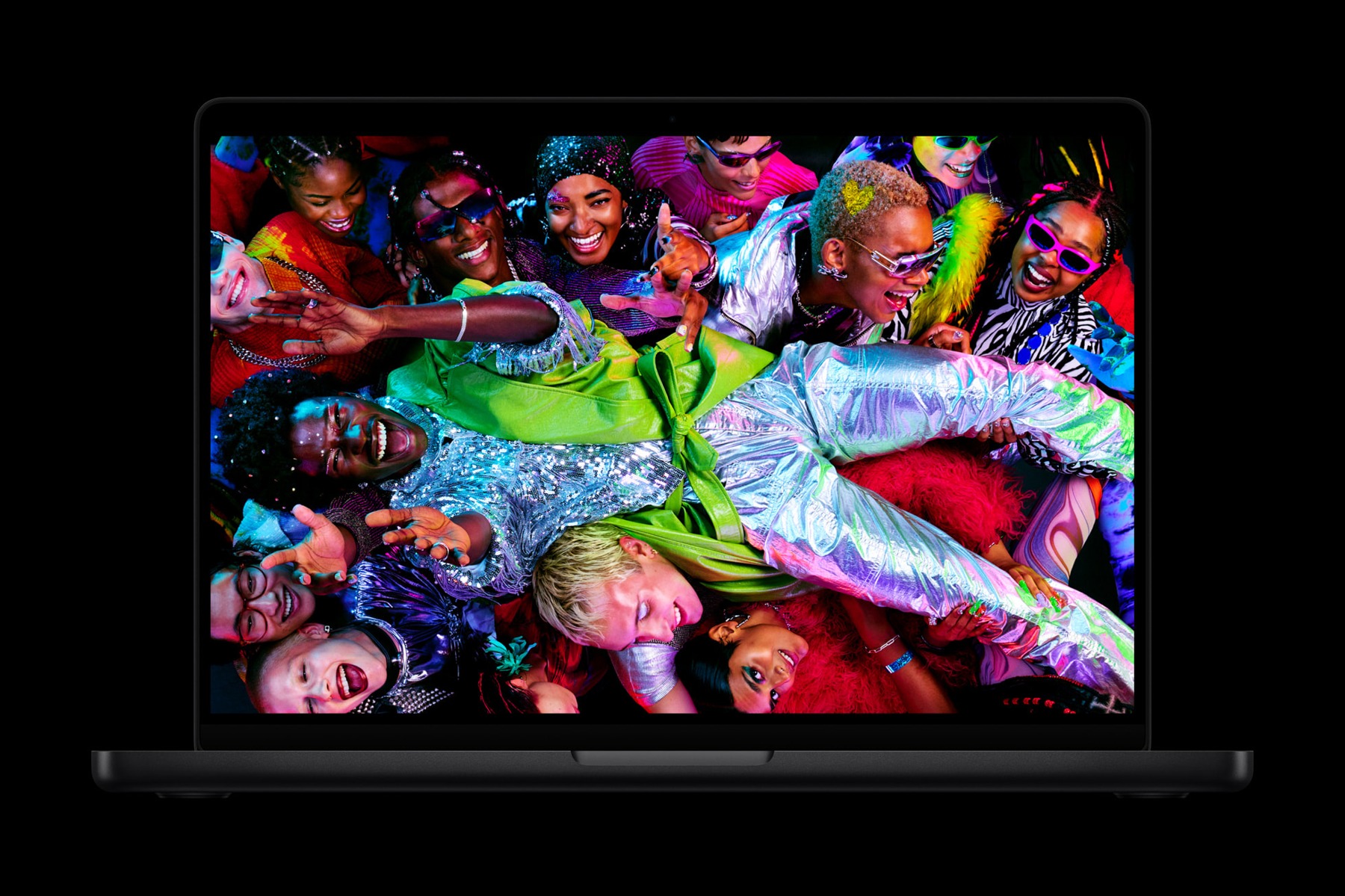
This is an older generation in a changing market. Compare a specific offer with current alternatives and look closely at condition, warranty and return rights. Apple's performance claims describe particular tests; they are not a substitute for benchmarks on your own project or an assurance about used hardware. For a second-hand unit, ask about battery condition and activation status. The sensible decision is based on total cost and usable capability, not a promise that a particular chip will remain sufficient for an arbitrary number of years.
Pros
- Compact format for a macOS creative workflow
- Integrated XDR display is relevant for mobile work
- Multiple configuration choices allow a workload-based purchase
Cons
- Premium cost can be excessive for light office work
- Memory and storage must be chosen carefully upfront
- Older stock requires close attention to the exact specification
Who should buy it?
Mac users whose work benefits from a portable professional laptop and who can identify a specific configuration that fits their software and projects.
The conclusion
Consider the M5 MacBook Pro as a particular offer, not an automatic upgrade. It is most persuasive when the configuration, condition and price meet a real workload; routine browser users should compare simpler alternatives too.
Sources and image credits
Manufacturer documentation for Apple MacBook Pro 14-inch (M5, 2025)
Apple Newsroom media images. Images illustrate this model and may show different finishes or configurations. Manufacturer claims have not been independently measured by Aurora Lora.