
Nest Learning Thermostat (4th gen) review: smarter home controls
Connected scheduling and refined controls, with HVAC compatibility at the heart of the decision.
Review approach: an original analysis of manufacturer documentation. We have not conducted hands-on testing of this product.
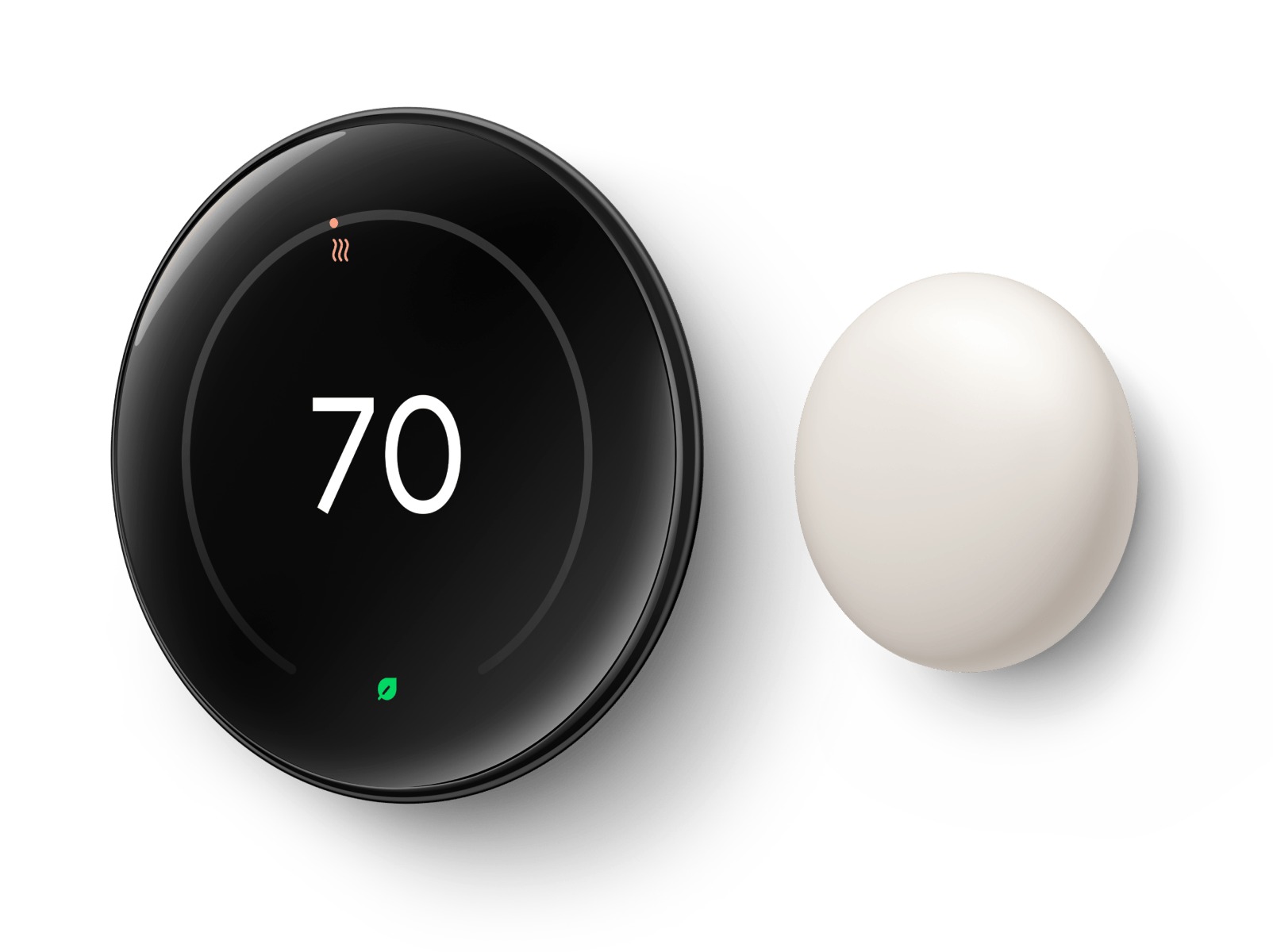
A smart thermostat is part of a heating and cooling system, so compatibility deserves more attention than its appearance. The fourth-generation Nest Learning Thermostat combines a circular display with Google Home setup and connected controls. Our analysis is based on Google's documentation; we have not installed it or measured energy savings in a home.
Check the system, not just the wall
Google documents support for many 24-volt HVAC systems, but that description is not a universal installation approval. Use the official compatibility checker for your exact wiring and system. If the wiring is unfamiliar or the equipment has unusual controls, get qualified advice before buying or disconnecting anything. A premium thermostat is poor value when it cannot operate the equipment correctly. Photograph and record the existing arrangement for a professional rather than assuming that wire colours alone identify their functions.
Scheduling should fit the household
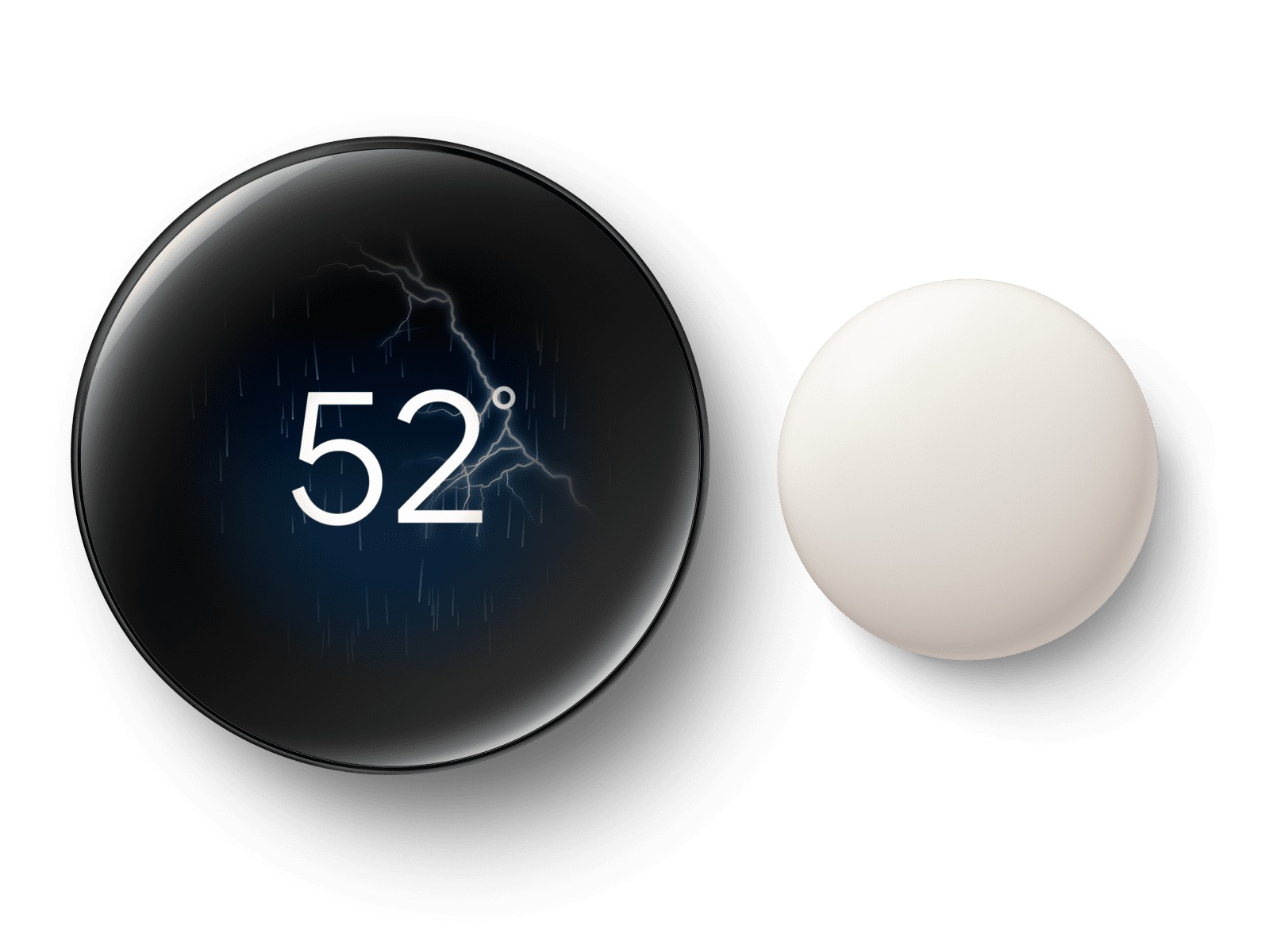
Automatic scheduling can be attractive when a household follows a repeatable routine. It can be less straightforward when people work shifts, share rooms unpredictably or prefer different temperatures. Before paying for learning features, decide who controls the schedule and how everyone can make a temporary adjustment. Consider whether a straightforward programmed schedule would already solve the problem. The useful feature is the one that reduces repeated effort without leaving another person confused about why the room temperature changed.

Connected controls bring another dependency
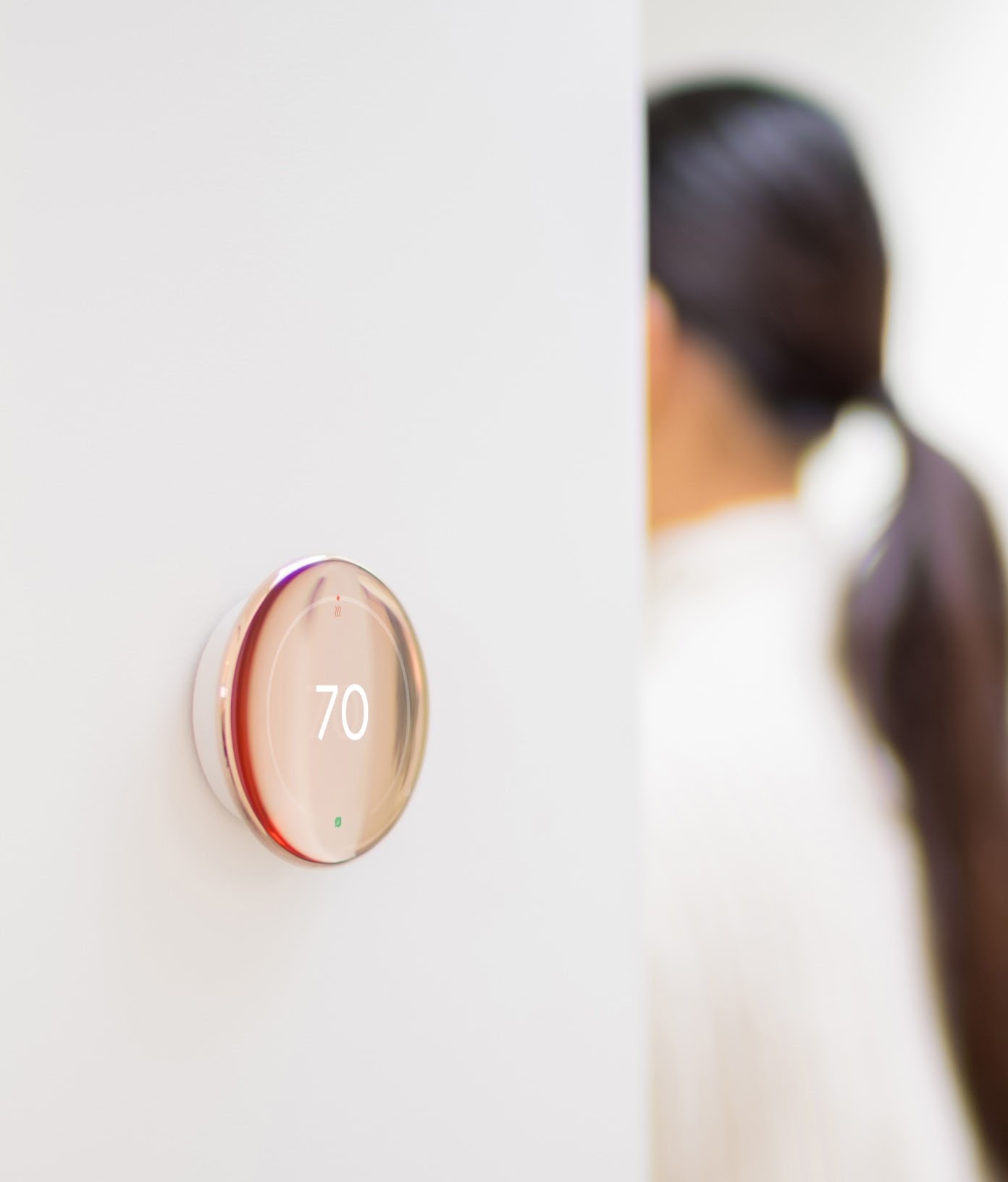
Setup requires Google Home, and Google lists Matter support for compatible connected-home control. Check the precise functions available in the platform you intend to use; a shared standard does not guarantee that every app exposes every setting. Plan account access for household members and understand what happens when the internet is unavailable. A thermostat needs to remain understandable at the wall, especially for guests. Keep recovery information somewhere accessible instead of tying the entire household routine to a single person's phone.
Energy savings need local evidence
We do not attach a guaranteed percentage saving to this review. Climate, insulation, equipment, tariffs and the previous schedule all affect the result. If you install a smart thermostat, compare usage over a meaningful period while accounting for weather and occupancy. The purchase can still make sense for convenience, but treat that as a separate benefit. Include installation costs and any necessary accessories in the budget before comparing it with a simpler thermostat that already suits your system.
Pros
- Clear circular display and physical interaction
- Google Home scheduling and connected control
- Matter support offers compatible-platform options
Cons
- Wiring and HVAC compatibility need individual confirmation
- Installation and accessories can increase the total cost
- Energy savings cannot be promised for a particular home
Who should buy it?
Households with a confirmed compatible HVAC system that want connected scheduling and are comfortable managing Google Home access.
The conclusion
A thoughtful connected-home option when compatibility is settled first. Budget for a proper installation and buy for the controls you will use, rather than an unverified promise of lower bills.
Sources and image credits
Manufacturer documentation for Google Nest Learning Thermostat (4th gen)
Google Store official product imagery. Images illustrate this model and may show different finishes or configurations. Manufacturer claims have not been independently measured by Aurora Lora.